MailKey
Verification codes for Gmail
A published Chrome extension that detects recent Gmail verification codes and offers one-click filling, with read-only access and local email processing.
Interactive walkthrough — fictional sample data
Check your email.
There’s a code in your inbox.
There’s a better way to get it here.

Click the blue Fill button. See the difference.
- My role
- Independent developer
- Deliverable
- Chrome browser extension
- Status
- Published on the Chrome Web Store
The problem
Verification codes interrupt whatever you were doing. Open Gmail, find the message, copy the code, find your tab again. A small task becomes an unnecessary detour.
The approach
MailKey detects a code field, looks for recent verification emails, and offers the matching code beside the field. One click fills it. The decision to continue stays with you.
Three moments.
One click from you.
- 01
The code arrives
You ask a site to email you a verification code. It lands in Gmail like it always does — MailKey changes nothing about that.
- 02
MailKey spots it
Because a code field is on screen, the extension asks Gmail for mail from the last 60 minutes only, reads it in memory, and pulls out the code.
- 03
You click Fill
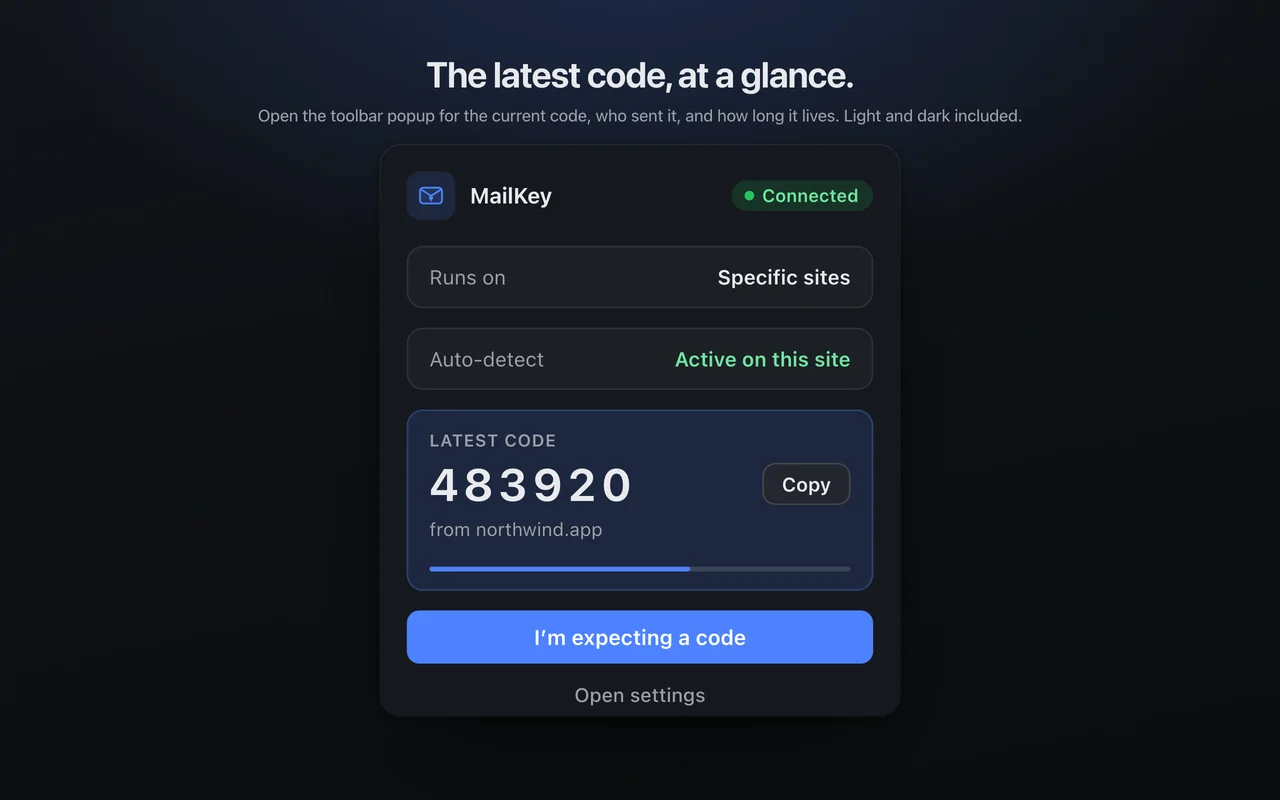
The code appears in a chip beside the field, with the domain it came from. One click puts it in the box. It is never typed for you, and never submitted for you.
Small surface.
Thoughtful details.
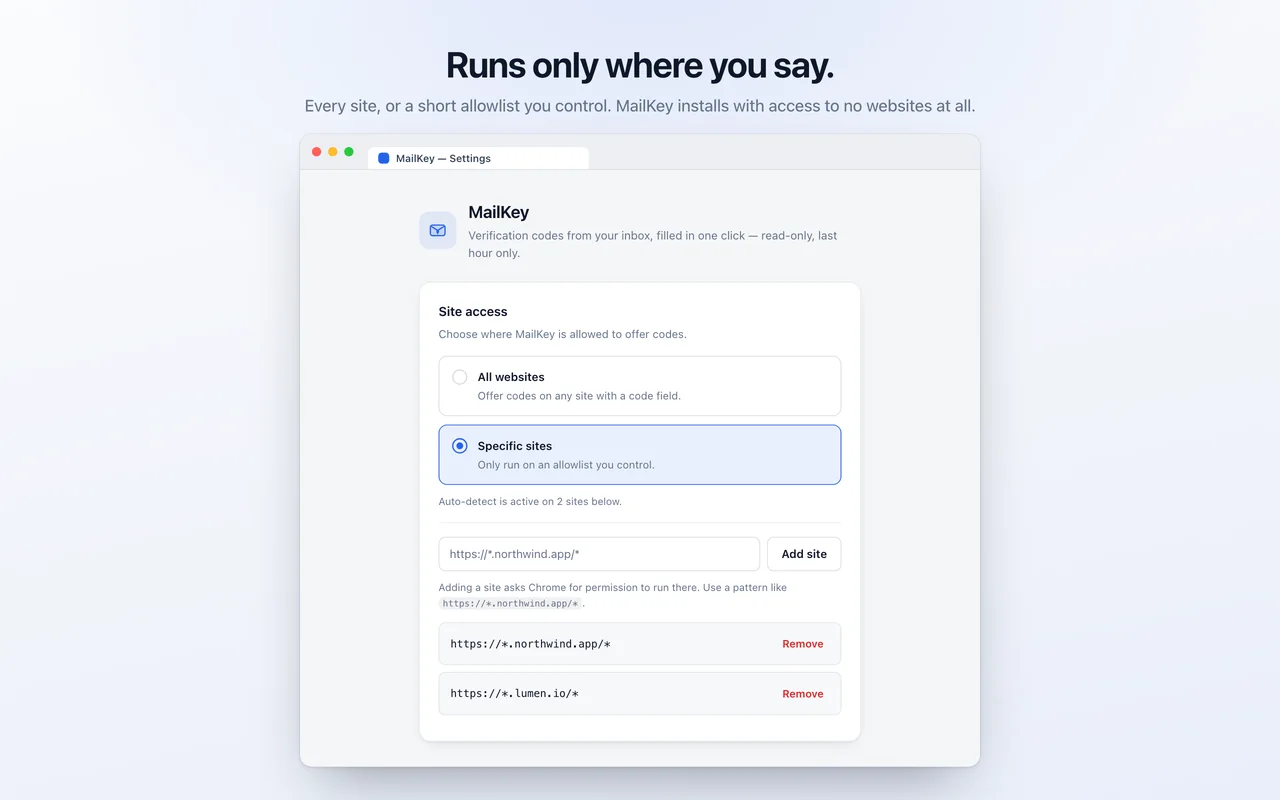
Actual product screens: the code popup and site access controls.
Build notes
Design priorities
- Read-only, last hour only
- Nothing leaves the device
- The click is always yours
Technology
- JavaScript
- Chrome Extensions (MV3)
- Gmail API
- OAuth 2.0
A useful tool.
Clear boundaries.
The constraints are written down, including the time limit that MailKey enforces itself.
Read the privacy policy ↗- Read-only
- Access is granted through Chrome itself (chrome.identity), scoped to gmail.readonly. There is no password field, no client secret, and no login form inside the extension.
- The last hour, self-enforced
- Google does not offer a time-limited Gmail permission, so the grant technically covers the whole mailbox. Every request MailKey makes carries an after: filter set to one hour ago — the limit is the extension’s own, kept in one small function, and it is stated plainly rather than implied.
- Sixty seconds
- A found code lives in session memory only, wiped when you use it, when the tab closes, or within a minute. Message bodies are parsed in memory and discarded — never written to disk.
- No servers, no analytics
- There is no backend. Requests go straight from your browser to Google. Nothing phones home, nothing is sold or shared, and there is no mechanism by which anyone else could read your mail.
- Never automatic
- MailKey does not fill without a click and never submits a form for you. The last decision is always yours.
Published on the Chrome Web Store
MailKey is published on the Chrome Web Store. The demo above illustrates its one-click verification-code workflow with sample data; email processing in the extension happens locally in the browser.
Discuss this project